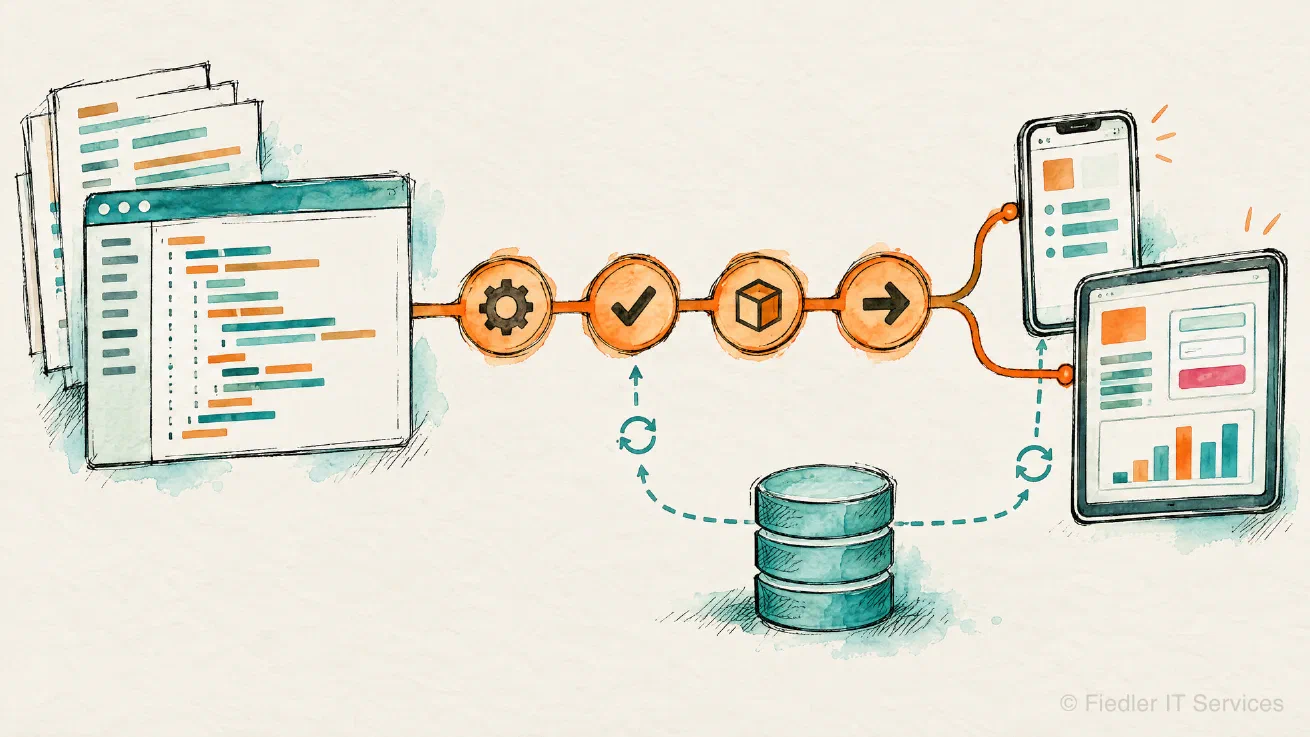
We build and extend applications for IBM Maximo, and most of that work today is Maximo Mobile and the Maximo Application Framework (MAF) on the Maximo Application Suite. A MAF app is a real software project with pages, datasources, controllers and a build. We treat it like one, with source control, tests and a pipeline.
What we build#
Maximo Mobile apps. New apps for the technician, the inspector or the storeroom, built with MAF and published into your MAS environment. Every mobile app is tested on an Android device, because a mobile app runs on a different data engine on the device than it does in the browser preview. What works offline is proven offline.
Extensions of the shipped apps. Many requirements fit into an IBM app that you already own,
such as the technician app, the inspection app or the service request app. We extend them in every
way the IBM framework allows: AppCustomizations.js, changes to the app’s app.xml, custom
application definitions, custom datasources and custom JavaScript objects such as controllers. We
keep the changes small, so that your next MAS update stays an update.
MAF web apps. The same framework builds browser apps for the office: dashboards, work queues and screens that the classic Maximo UI does not offer.
Apps of your own inside MAS. Some requirements need more than a MAF app can give, such as a different user interface library or a direct view across many objects. For those we build a container application that runs in your MAS namespace, logs users in through MAS and talks to Manage from inside the cluster.
Maximo customizations and automation scripts. Business rules, validations, status logic and cron tasks as automation scripts, kept in source control and deployed the same way every time. Classic Maximo customizations for systems that are still on Maximo 7.6.
Integrations and data work. Interfaces between Maximo and ERP, GIS or your own systems, through the Integration Framework and the REST API. Data conversions and data loads for a migration, and small data hubs next to Maximo, written in Python or Go where that is the better tool.
How we work#
- Your code, your repository. Everything we write lives in your source control, with a history that your team can read.
- Tests and a pipeline. Unit tests for the app’s own JavaScript, a build that checks both the browser and the mobile target, and a GitLab or other CI pipeline if you want one.
- Verified on the real target. A change counts as finished after it has run on a device or in a browser against your environment, with screenshots or logs to show it.
- Documented when we leave. A short technical document per app: what it does, how it is built, what is still open.
Tooling we bring#
Over the last years we have built our own tooling for MAF development: a command line for MAS and Manage, a log collector for apps that you cannot attach a debugger to, and a companion service that publishes MAF apps from a CI pipeline. These tools make our projects faster and more repeatable, and they stay with us. You get the result.
Talk to us#
Describe the app or the change you have in mind. Get in touch and we will come back to you with questions and an estimate. We work in English and German.